WhatsApp Appointment Reminders for Salons: Fill Empty Chairs and Cut No-Shows
WhatsApp appointment reminders for salons get read and confirmed where SMS gets ignored. How they work, what they cost, and how to set them up.

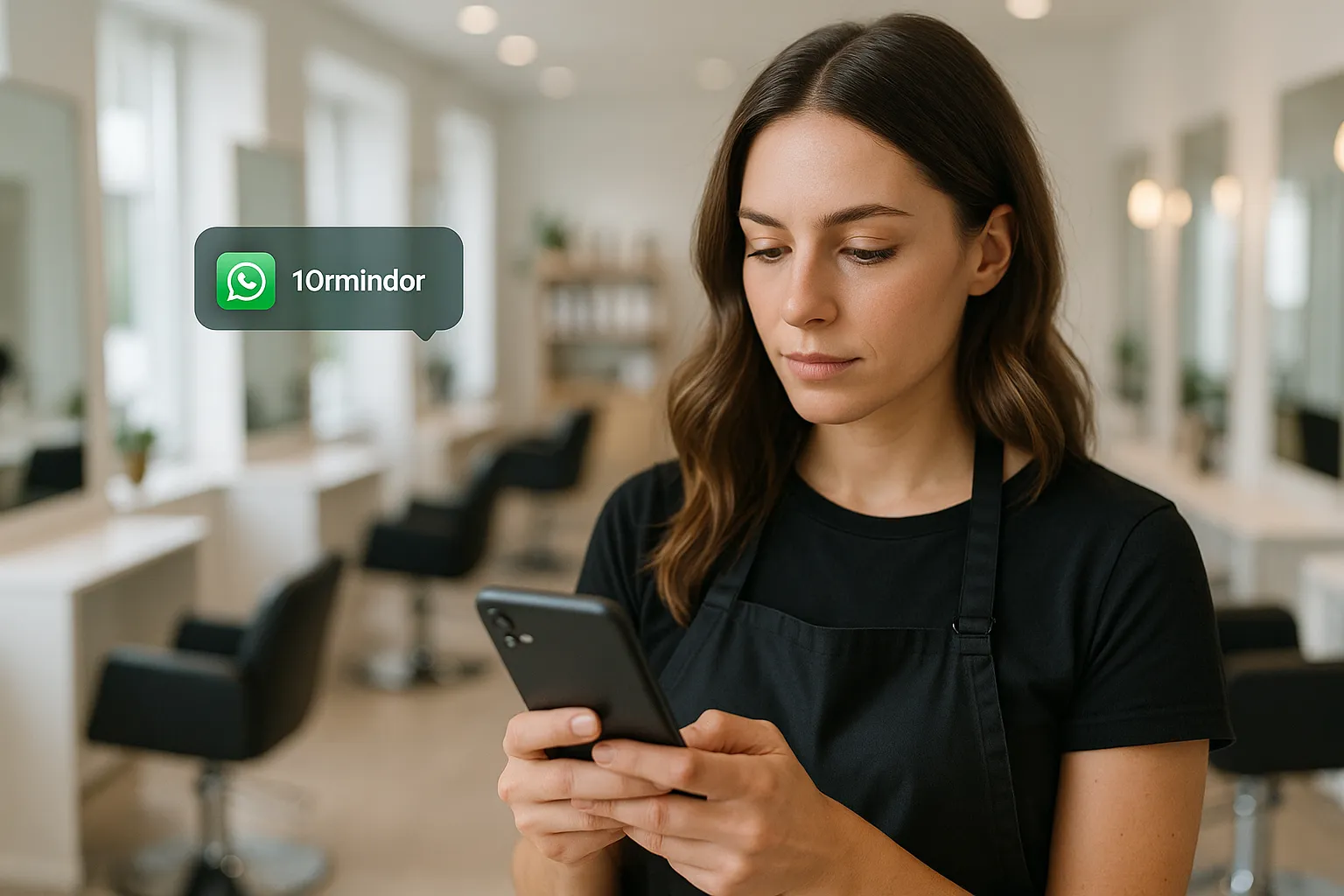
WhatsApp appointment reminders for salons are automated messages sent through the WhatsApp Business Platform that remind clients of a booking and let them confirm, reschedule, or cancel with one tap. They work where SMS and email quietly fail, because clients actually open WhatsApp: the reminder gets read, the client taps confirm, and you stop losing an hour of a stylist's day to someone who simply forgot. For a busy salon, that is the difference between a full column and a gap you find out about when nobody walks in.
If you have been chasing confirmations by phone between clients, or paying for an SMS tool that clients ignore, this is the practical fix. Reminders are one of the highest-return pieces of a wider AI automation setup for local businesses, precisely because the payback is so direct: every empty chair you refill is money you already booked and nearly lost. Below is what these reminders do, why WhatsApp beats the alternatives, what they cost, and how to get them live.
Why do salons lose so much money to no-shows?
An empty chair is pure loss: the time is gone, the stylist is paid, and the slot can rarely be resold at short notice. Unlike a shop with stock you can sell tomorrow, a salon sells time, and unsold time never comes back. A no-show at 3pm on a Saturday is not just one missed cut. It is the client who could have taken that slot, the retail add-on that never happened, and the rebooking that never got made.
Most no-shows are not malice. People book weeks ahead, life moves, and the appointment slips their mind. The old defence was a phone call the day before, but that eats your team's time and reaches voicemail as often as a person. Then salons moved to SMS, which is faster to send but easy to swipe away unread, buried under delivery notifications and spam. The message goes out, nobody reads it, and you have the same gap with a receipt for the texts.
WhatsApp changes the maths because it changes whether the message gets seen. That is the whole game with reminders: a reminder nobody reads does nothing.
Why are WhatsApp reminders better than SMS or email?
WhatsApp reminders get opened because they arrive in the app your clients already live in. An SMS competes with two-factor codes and marketing blasts; an email lands in a promotions tab nobody checks. A WhatsApp message shows up beside chats from friends and family, with a notification badge people are trained to clear. The practical result is a message that is read, not just delivered.
The second advantage is the reply. WhatsApp reminders carry buttons, so a client confirms, reschedules, or cancels with a single tap, no typing and no calling. That one-tap action is what turns a reminder into an actual signal: instead of hoping silence means "yes", you get a clear confirm, or an early cancel that hands you 24 hours to fill the slot. A two-way conversation also means a client can just ask "can I move to Friday?" and your team handles it in the same thread.
Here is how the common options stack up for a salon.
| Reminder channel | Typically gets read | One-tap confirm | Two-way replies | Feels personal |
|---|---|---|---|---|
| Phone call by staff | Only if answered | No | Yes, but ties up your team | Yes, but slow and costly |
| SMS reminder | Often swiped away | Rarely | Usually one-way | Low |
| Email reminder | Frequently missed | No | Slow | Low |
| WhatsApp reminder | Usually opened fast | Yes | Yes, in the same chat | High |
The point of the table is not that WhatsApp wins every row. It is that WhatsApp is the only channel that gets read fast, confirms in one tap, and holds a real reply, which is exactly the combination that empties fewer chairs.
How do WhatsApp appointment reminders work for a salon?
The reminder fires automatically off your real bookings, so nobody on your team has to remember to send it. When a client books, an appointment appears in your calendar; the automation reads that appointment and sends a confirmation straight away, then a reminder around a day before. Each message is a Meta-approved template with the client's name, service, date, time, and stylist, plus buttons to confirm or reschedule.
A typical flow looks like this:
- Client books, in person, by phone, or online, and the appointment lands in your booking system.
- The automation sends an instant WhatsApp confirmation so the client has the details saved in a chat they can find again.
- Around 24 hours before, a reminder goes out with confirm and reschedule buttons.
- The client taps confirm, and your rota shows a green light, or taps reschedule and picks a new slot without a phone call.
- If a client cancels, you get an early heads-up with time to offer the slot to your waitlist.
The client never installs anything or learns a system. They get a message in WhatsApp, tap a button, and move on. The work of building the templates, connecting the calendar, and keeping the account compliant is what a managed provider handles, which is why most salons are live in days rather than sorting out the WhatsApp Business API themselves.
A worked example: one Saturday
Picture a mid-size salon with four stylists and an average ticket of EUR 55. On a typical Saturday it runs 40 appointments. Say five clients ghost, which is not unusual when reminders are patchy: that is EUR 275 gone in a single day, before you count the retail and rebookings those clients would have added.
Now add WhatsApp reminders. Suppose three of those five would have confirmed and shown up if they had actually read the message and tapped a button, because they had just forgotten. That is EUR 165 recovered on one Saturday, from three taps. Over a month of Saturdays, before you even count weekdays, you are looking at meaningful money from a system that runs itself. These figures are an illustration, not a promise; plug in your own ticket and no-show rate to see the shape of it, and you can work out your own number with our free no-show cost calculator.
What should a good salon reminder actually say?
A good reminder is short, specific, and gives the client one obvious thing to do. It names the client, the service, the date, the time, and the stylist, then offers a confirm or reschedule button. Vague or pushy messages get ignored or annoy people; a clear, friendly note that respects their time gets tapped.
A confirmation, sent at booking, might read: "Hi Sara, you're booked with Marco for a cut and colour on Sat 12 April at 2pm. See you then. Need to change it? Just tap below." The 24-hour reminder is even shorter: "Hi Sara, quick reminder of your appointment tomorrow at 2pm with Marco. Tap Confirm so we know you're coming, or Reschedule if you need a new time."
A few things separate reminders that work from reminders that irritate:
- Keep it to one message with one clear action. No walls of text.
- Always include a reschedule option, not just confirm. Many clients do not want to cancel, they want to move.
- Send the confirmation immediately and the reminder around 24 hours ahead. For long or high-value services, add a light same-day nudge.
- Let clients opt out easily. A respected opt-out protects your account and your reputation.
- Keep your salon's voice. Warm and human beats robotic, even in a template.
How much do WhatsApp reminders cost, and are they worth it?
Automis plans start from EUR 297 per month, a flat fee that covers the automation, the setup, and connecting your booking system, with WhatsApp's small per-conversation fees charged through Meta on top. Those conversation fees are modest for a typical salon, usually a small fraction of the monthly cost. There is no per-seat pricing and no developer to hire.
The return is easy to sanity-check against your own numbers. Take your average ticket, multiply by how many no-shows you think reminders would recover in a month, and compare it to the plan. Here is the logic with round figures.
| Item | Example figure |
|---|---|
| Average service ticket | EUR 55 |
| No-shows recovered per week | 2 |
| Recovered revenue per month | around EUR 440 |
| Monthly cost, from | EUR 297 |
| Net gain per month | around EUR 143, plus retail and rebookings |
Recovering just one no-show a week covers most of the plan on its own; two or three tips it firmly into profit, before you count the retail sales and future bookings those clients bring. For most salons the question is not whether reminders pay for themselves, but how many chairs they are quietly leaving empty every week. If you want to weigh WhatsApp more broadly for your front desk, our guide to WhatsApp automation for business covers booking and enquiries too.
Is it compliant, or will WhatsApp ban my number?
It is fully allowed when you use the official WhatsApp Business Platform and follow Meta's rules, which a managed setup handles for you. The risk of a ban comes from unofficial bulk-messaging apps that scrape numbers and blast messages; those get shut down. The official platform is built exactly for this: transactional notifications like appointment reminders, sent with consent, through approved templates.
Compliance comes down to a few habits. You collect permission when the client books, so every reminder is expected. You send notifications through Meta-approved message templates rather than random broadcasts. And you give every client a simple way to opt out and to reach a human. A provider like Automis builds on the official API and manages the template approvals and consent handling, so your number stays in good standing while you focus on the salon floor.
How do I get WhatsApp reminders set up for my salon?
Getting live is a job of days, not months, and you do not touch any code. A managed provider handles the WhatsApp Business API approval, writes and submits the reminder templates, and connects them to your booking system so messages fire off real appointments. Your part is deciding the timing and tone, and pointing at the calendar you already use.
A realistic path looks like this: a short call to map your booking flow and reminder timing, then the provider sets up the WhatsApp Business account and templates, connects your calendar, and runs a test with a handful of real bookings. Once you are happy with the wording and timing, you switch it on and reminders start going out automatically. This is the same automation-first approach behind the work we did for Clinica Santa Maria, a dental clinic that moved missed calls, booking, and no-show follow-up onto automated systems and stopped losing appointments to an unattended phone. A salon has the same problem in a different room: bookings you win are worth nothing if the chair sits empty.
If empty chairs are costing you real money each week, WhatsApp reminders are one of the fastest fixes to put in place. See how they fit alongside the rest of the AI automations for local businesses, and start turning forgotten appointments back into paid ones.
Frequently Asked Questions
Do WhatsApp appointment reminders actually reduce salon no-shows?
Yes, mainly because clients read them. WhatsApp messages land in the same app people check all day, and a one-tap confirm or reschedule button removes the friction of a phone call. A read, confirmed reminder catches the client who simply forgot, which is the most common reason chairs sit empty.
Is it legal to send WhatsApp reminders to clients?
Yes, on the official WhatsApp Business Platform with consent. You collect permission at booking, send notifications through Meta-approved templates, and give every client a clear way to opt out. A managed setup keeps your number compliant so you avoid the bans that hit unofficial bulk-messaging tools.
How much do WhatsApp reminders for a salon cost?
Automis plans start from EUR 297 per month, a flat fee covering the automation, setup, and your booking-system connection. WhatsApp adds small per-conversation fees through Meta on top, which stay modest for a typical salon. One recovered no-show a week usually covers the whole cost.
Will reminders connect to my existing booking system?
In most cases, yes. A managed setup links to common salon calendars and booking tools, so reminders fire automatically off real appointments with no double entry. During setup you confirm which system you use and the timing you want, and the flow is built around your rota.
How far in advance should a salon send a reminder?
A two-message rhythm works best: one confirmation the moment a client books, then a reminder around 24 hours before with a confirm or reschedule button. For high-value or long services, a short same-day nudge helps too. The 24-hour window gives you time to rebook a freed slot.
Ready to Transform Your Business?
See how our AI systems help local businesses answer every call, capture every lead, and automate the busywork.